A quick examination of Godot, looking at what has been created within it.
8:10:45
Intro
Godot's Figurehead Icon
With personal experience of Godot, it is similar to Python in terms of structural code, providing a path of ease into a learning coder's journey.
This reason is why I have made this site, as well as to share content of the community, such as my own!
With a focus on their use of 'signals', the system provides a different take upon a more established editor such as Unity or Unreal Engine, but still provides a unique flow to the creation process.
What is Godot
An open source game engine, intended to allow developers to have access to a free, innovate suite of tools to make their 2D or 3D games.
What can it make?
Godot isn't just limited to games, and has been used to make some software tools to assist streaming with interactive assets, mapmaking tools for tabletop games, and other fun or creative programs.
What are the target platforms for Godot?
Being open source, Godot's supportive feature is being able to release on most modern platforms, whether it be Windows, Mac, Linux, Mobile devices, game consoles, or even assets to be used within browsers themselves.
What is contained on this site?
Within the pages on this site, you will see a few examinations of Godot and what it's community have created with it.
'Featured' features a small list of projects created with Godot, taken from Godot's galleries.
'Community', as it may imply, contains a few community videos, tutorials, and similar from YouTube.
'Personal' has some of my personal examples of when I was first looking into it.
Featured
There are 3 choices of mine, with them being products I actually knew about prior to knowing it's creation with Godot, which made them far more impressive to me.
The last video in the list is a showreel made by Godot, which felt fitting to add beyond my own personal exposures to these titles alone.
Cassette Beasts by Raw Fury
A turn-based RPG with the focus of using a fusion system to make their creatures and gameplay unique. "Adventure. Battle. Transform."
Cruelty Squad by Consumer Softproducts
A game with harsh visuals, this shooter focuses on absurdity.
The gameplay focuses on creativity and outside thinking to see all the content.
Whether or not I would recommend playing it depends on someone's patience and willingness to strain their eyes.
Dungeondraft by Megasploot
A tabletop make making tool, I have personally used this one for games I would run with my friends.
The tool itself also has a site of compatible, expansive community content to extend the themes and assets provided.
I have since moved on to drawing or creating my own maps, but when I want something done fast, I'll still come back and use this one for a reliable tool.
A further showcase of 2024 creations!
This video is just a good showreel of a variety of creators and their projects within 2024.
A highlight of these videos is the variety of produced content, and the diversity of content itself, which I find fascinating.
Community
This particular page is dedicated for content that I looked into while learning how to navigate Godot, as well as coding in general.
If it wasn't for the a lot of these community created videos, it is unlikely I would've kept going with my learning journey, which has even carried over to HTML on it's own.
It feels important for me to acknowledge some various materials provided to me during the last year or so of suggestions, advice, and otherwise, if not just to show off what I can.
Godot Game Development - Crash Course for Beginners by freeCodeCamp.org
When I was first starting up with Godot, beyond a free program made to teach the beginning basics of the structures, I referred to this video to reconfirm what I learned during that process.
Ever since referring to this video in particular, I started keeping a playlist of other intensely useful videos I found, just in case I ever needed to come back and see how a concept worked if I didn't understand it.
How You Can Easily Make Your Code Simpler in Godot 4 by Bitlytic
I was freshly new to the concept of how to organize any kind of folder or code structure, so once I saw this video, I tried to incorporate a cleaner coding setup since.
Custom Resources - A Godot Workflow GAME CHANGER by Pefeper
Since I was still new to the concept of coding, I never thought of making any kind of custom resource to store data, because this ended up being the exact idea I would use to later on make quicker templates and characters.
Making Our Enemies Modular Using Resources | Godot Intermediate Tutorial | GameDev with Drew by GameDev with Drew
In conjunction with Custom Resources, the video helped me further reinforce how to use the former mentioned resources to make a more efficient structure to instance enemies with different stats or properties.
Personal
Below is a collection of my personal screenshots of my game development assets and journey, but also some sound effects I have used during it's creation.
Below these seven images will also be three audio examples!
Images
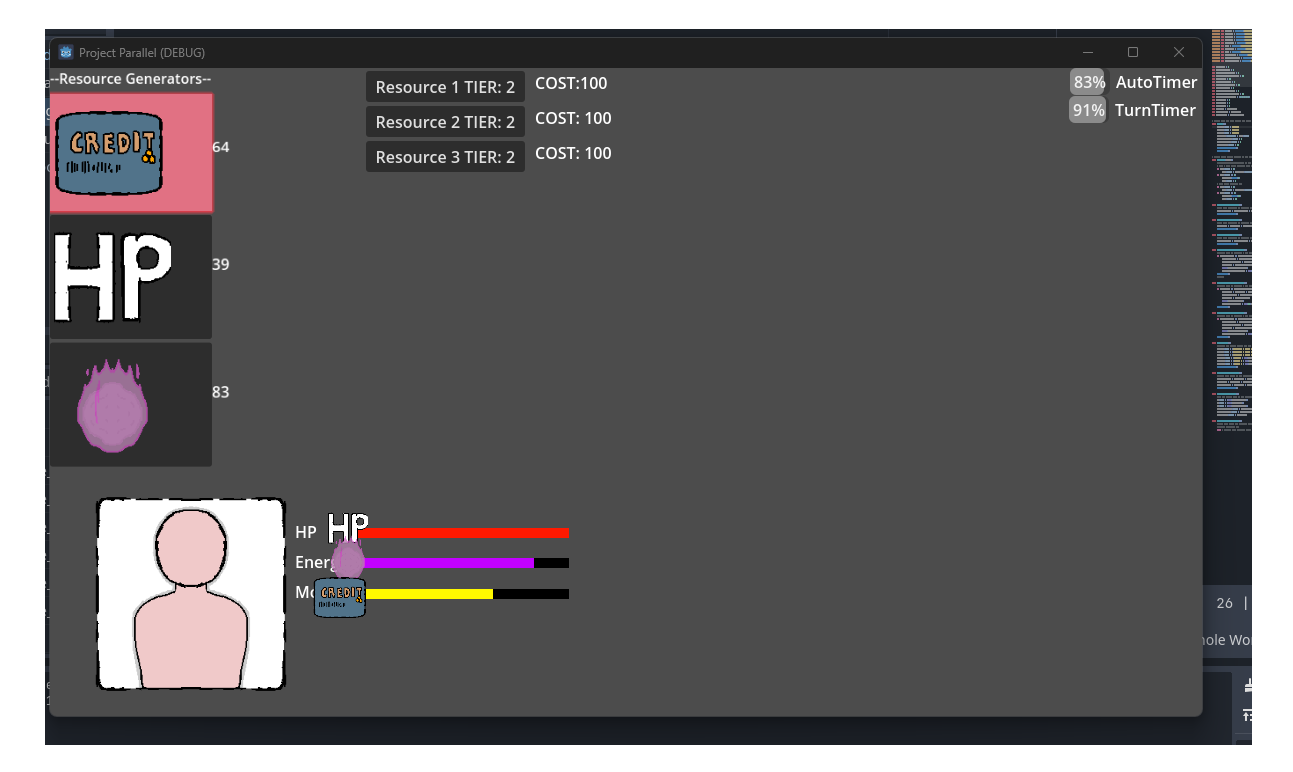
When I first started coding in Godot, or in general, I started with making buttons and bars work with variables.
A slow start, but a start to make nonetheless. Nothing too complicated to learn other than making something update per process frame and editing variables.
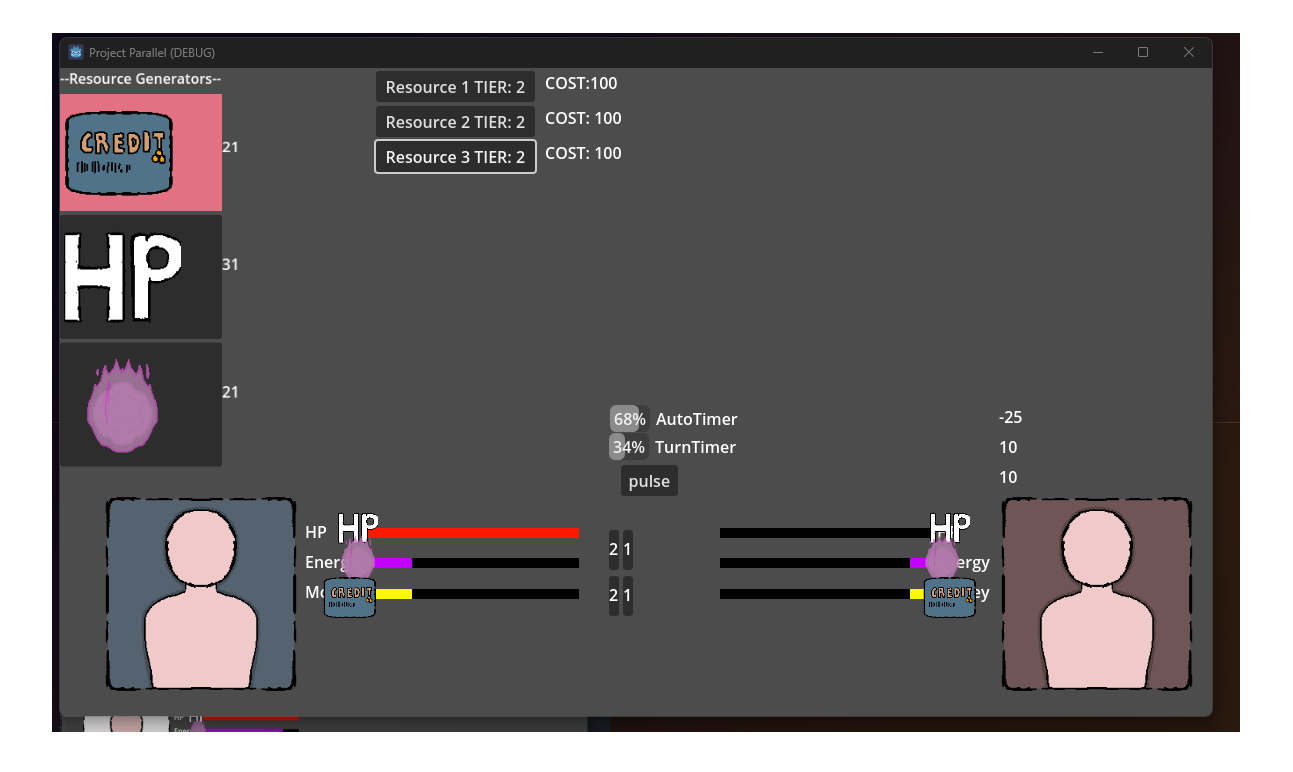
When I was more comfortable with making some basic buttons and such, I started trying to make some idle game with the enemy automatically functioning on timers.
Around this time I started to learn about terms like Global Singletons, which the nature of their existence helped store global variables and signals to use throughout my future tests.
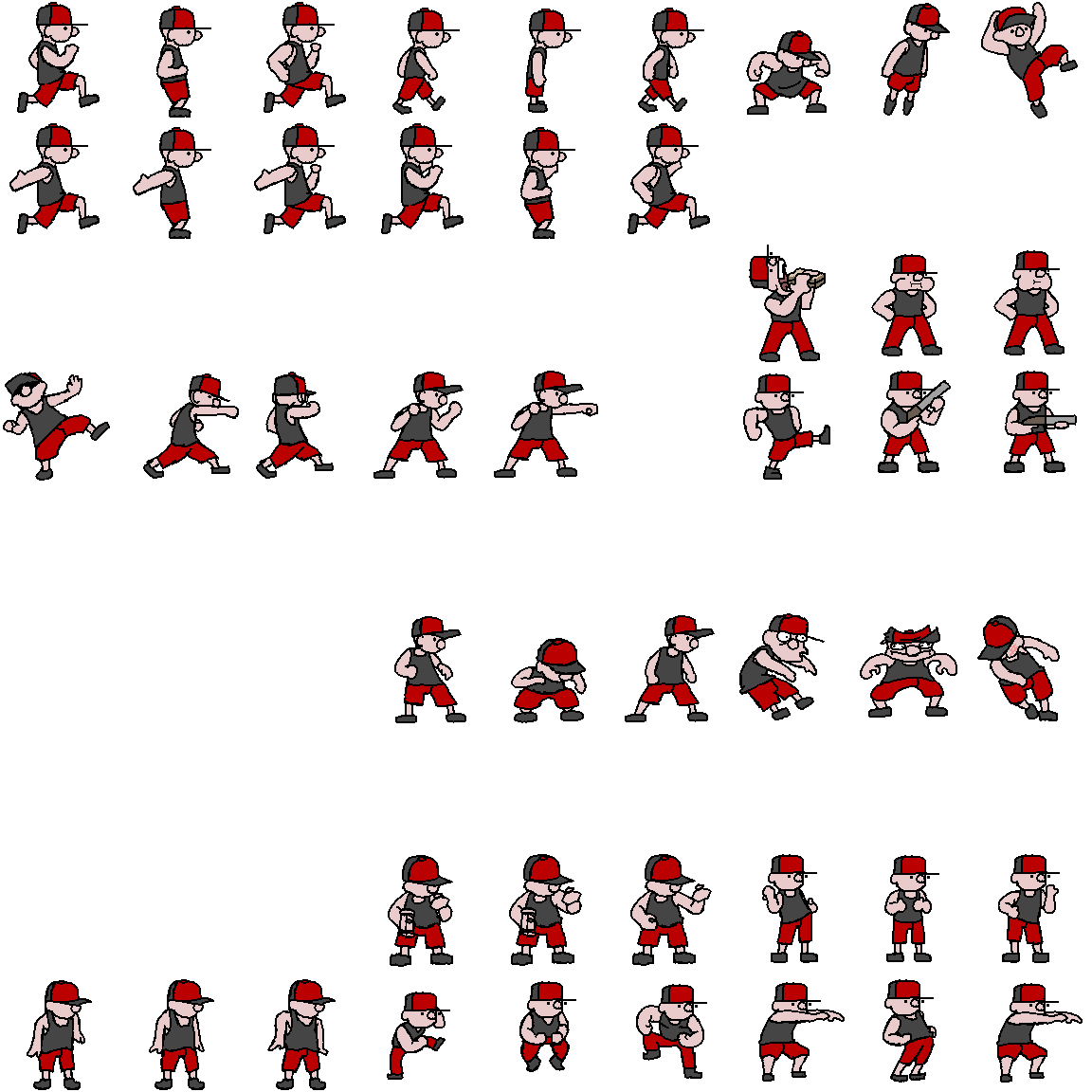
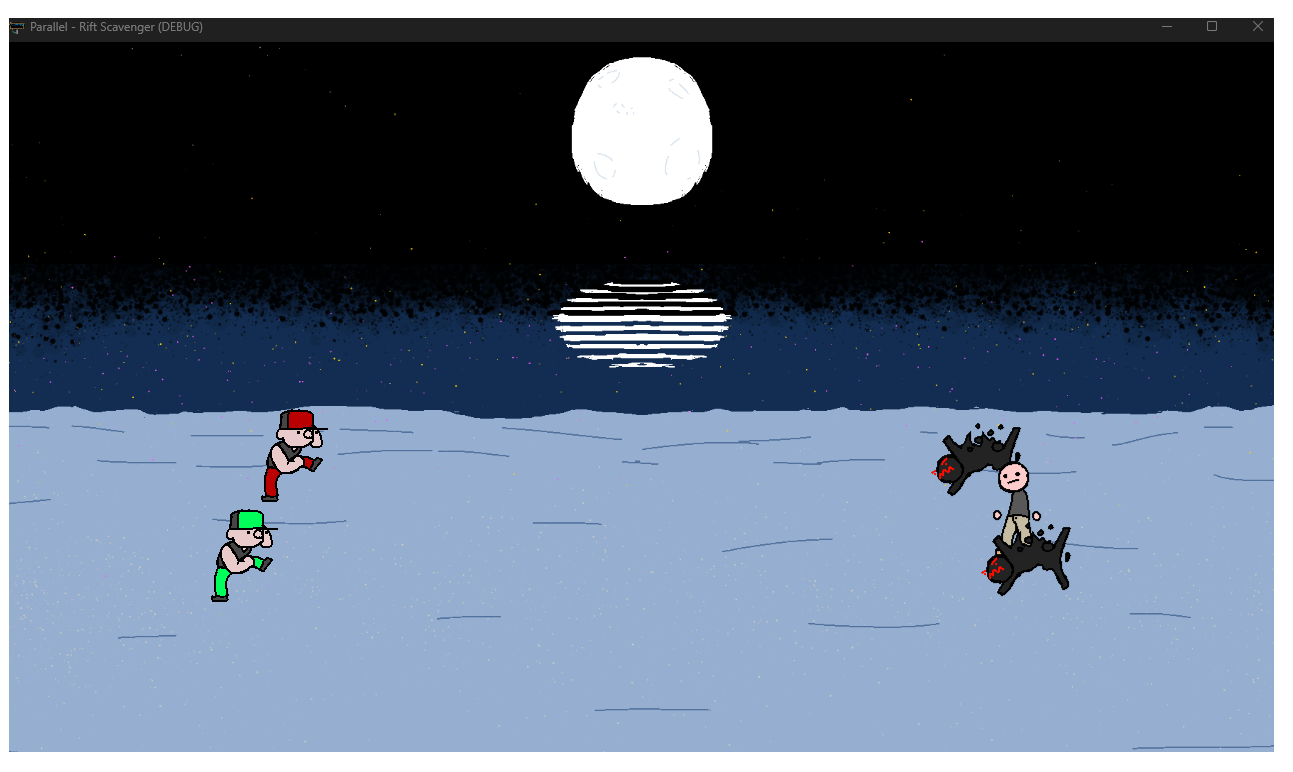
When I was done making still images represent the player and/or enemy, I started work on animations and sprite sheets, with this sheet being an available comparison of what I ended up with.
I practically just ended up making four variants of this character, just color palette swaps, but they function as good as any other debug testing imagery beyond my over-investment of effort.
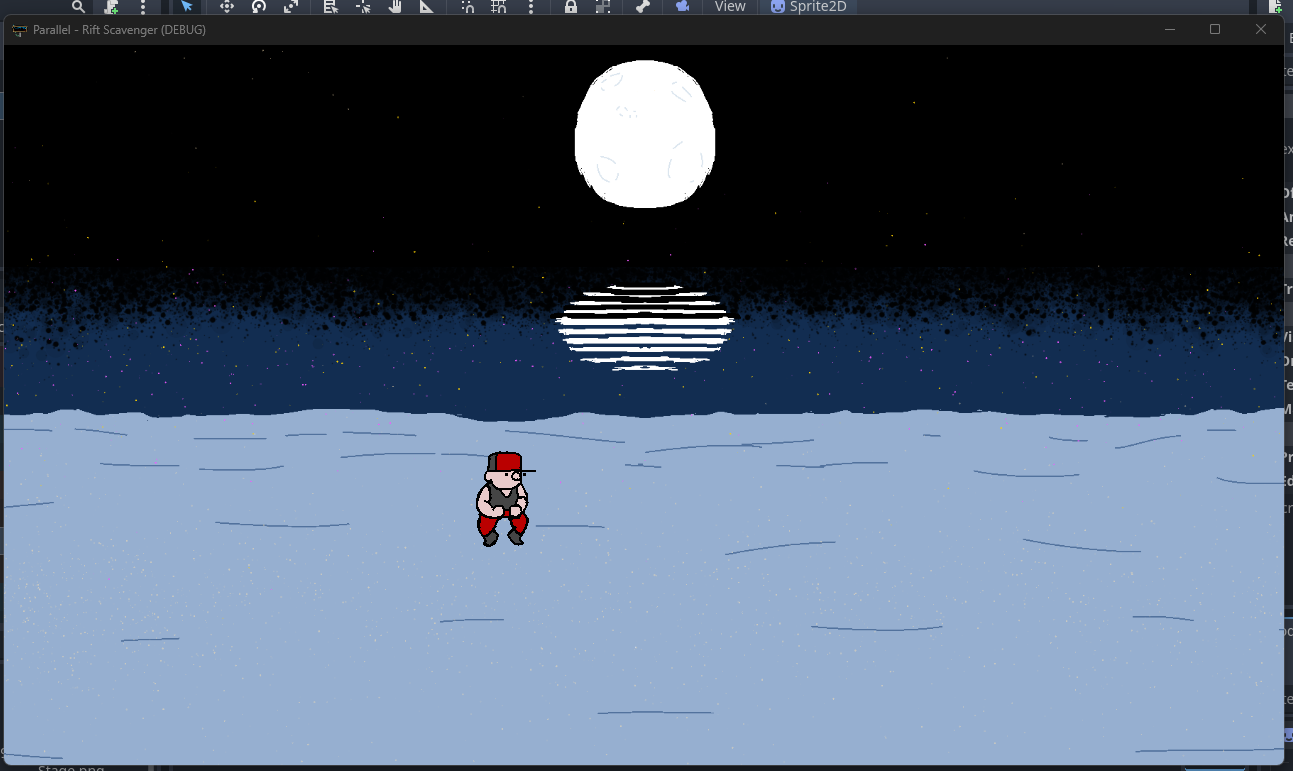
When I got the character to start working on screen, I enjoy just making them do any animations while I tried figuring out each other aspect to add at a time.
This was around that same period where I started to focus on making one basic actor, or doll, and then making templates I could add to new versions, similar to external CSS scripts.
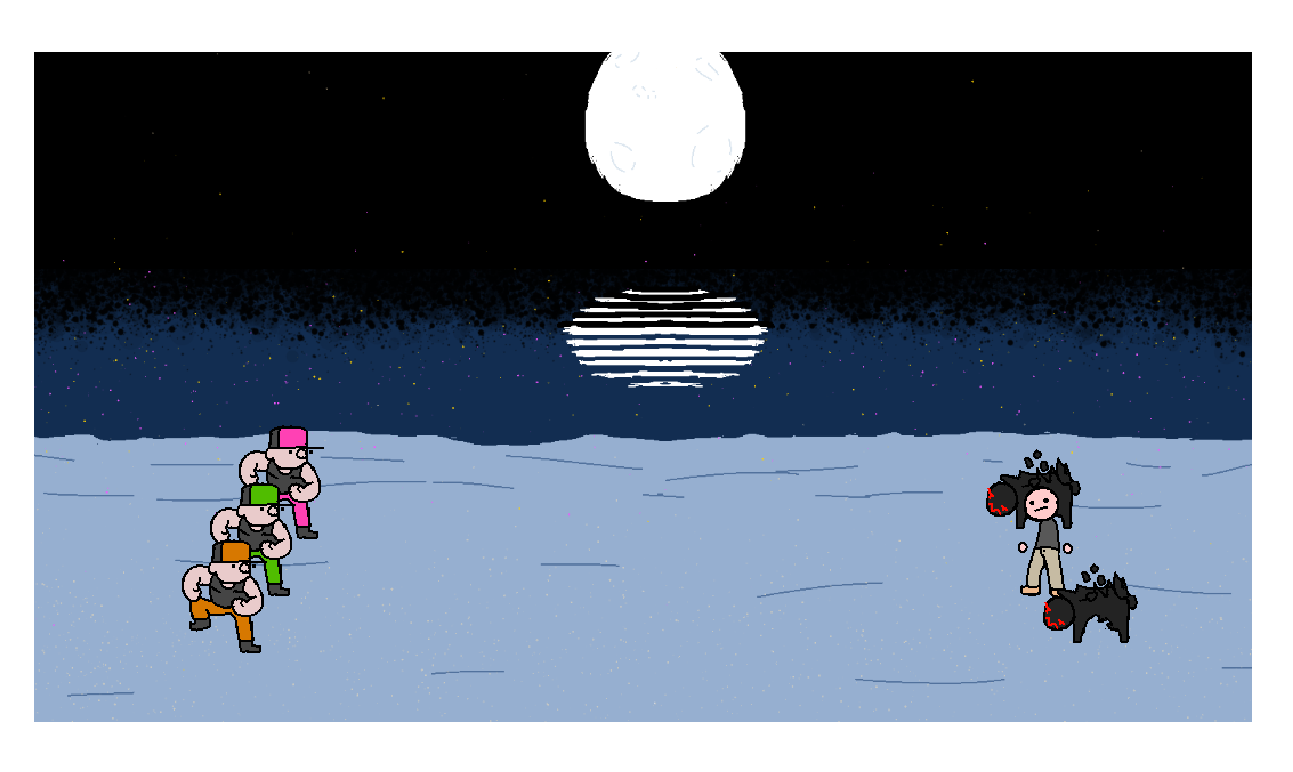
Once the first character was down, it wasn't hard adding more characters to function as player teams and enemy teams.
The first test enemy sprites were just as easy to make, as at the time it was still a basic cosmetic change, rather than mechanically separate.
When it came to getting the team going, I started having the player characters randomize to just test out the random number generator, as well as to make sure each potential testing dummy could be used.
Most of the basic actor data was made, and making new characters was basically easy at this stage, but I still was working on mechanical efforts, as the draw of aesthetics weighs deeper on me.
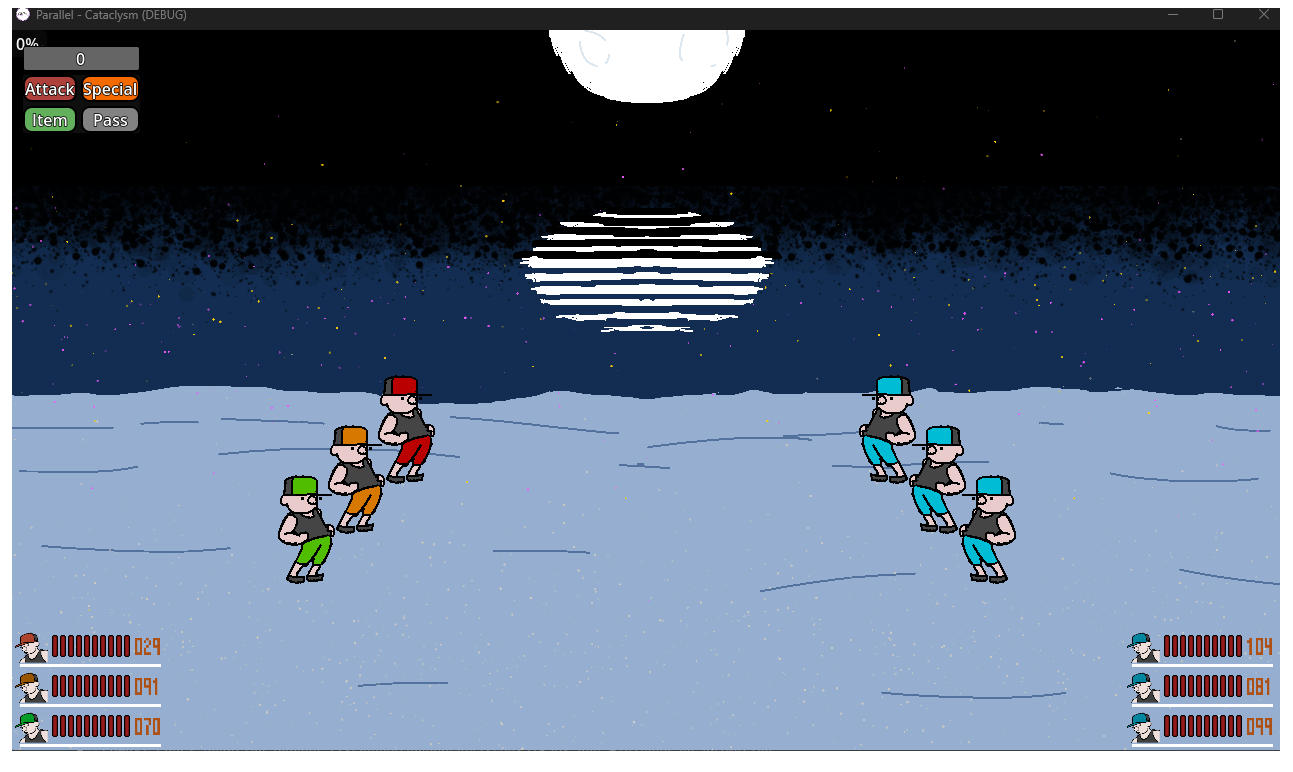
I finally got to adding in UI to make the game function, as well as show connected status bars of each entity on the screen. The health bars were fun to figure out, kept things lively while I was sorting out how to make the Actions function, such as Attacks, Items, etc.
Since the time I made these adaptations, I was working on animations and movement during attacks in combat.
Audio
Warcraft: Grunts
The grunt noises from the Warcraft franchise I just thought were funny, but a few in here were used in my debugging purposes.
Some of the silly noises just keep me entertained during testing, so they stick around, but will eventually be removed.
Warcraft: Peasants
When I grabbed the grunt noises, I also realized I wanted to make it easier to tell for myself which side was which when I tested the characters and which was player or enemy.
It turns out very well to have these function alongside my testing player-aligned sound effects.
Delete
I used the 'delete' portion of this sound effect when the testing enemies were eliminated.
When I saw that some enemies in combat were eliminated, I couldn't tell if their end-of-life scripting activated or not, so this came in handy to confirm that.
Originally from a series on Youtube called, "The Emperor has a Text-To-Speech Device"
Contact
Elements
Text
This is bold and this is strong. This is italic and this is emphasized.
This is superscript text and this is subscript text.
This is underlined and this is code: for (;;) { ... }. Finally, this is a link.
Heading Level 2
Heading Level 3
Heading Level 4
Heading Level 5
Heading Level 6
Blockquote
Fringilla nisl. Donec accumsan interdum nisi, quis tincidunt felis sagittis eget tempus euismod. Vestibulum ante ipsum primis in faucibus vestibulum. Blandit adipiscing eu felis iaculis volutpat ac adipiscing accumsan faucibus. Vestibulum ante ipsum primis in faucibus lorem ipsum dolor sit amet nullam adipiscing eu felis.
Preformatted
i = 0;

while (!deck.isInOrder()) {
    print 'Iteration ' + i;
    deck.shuffle();
    i++;
}

print 'It took ' + i + ' iterations to sort the deck.';