Personal Screenshots!
Below these seven images will also be three audio examples!
You can hover on the images to enlarge them a little.
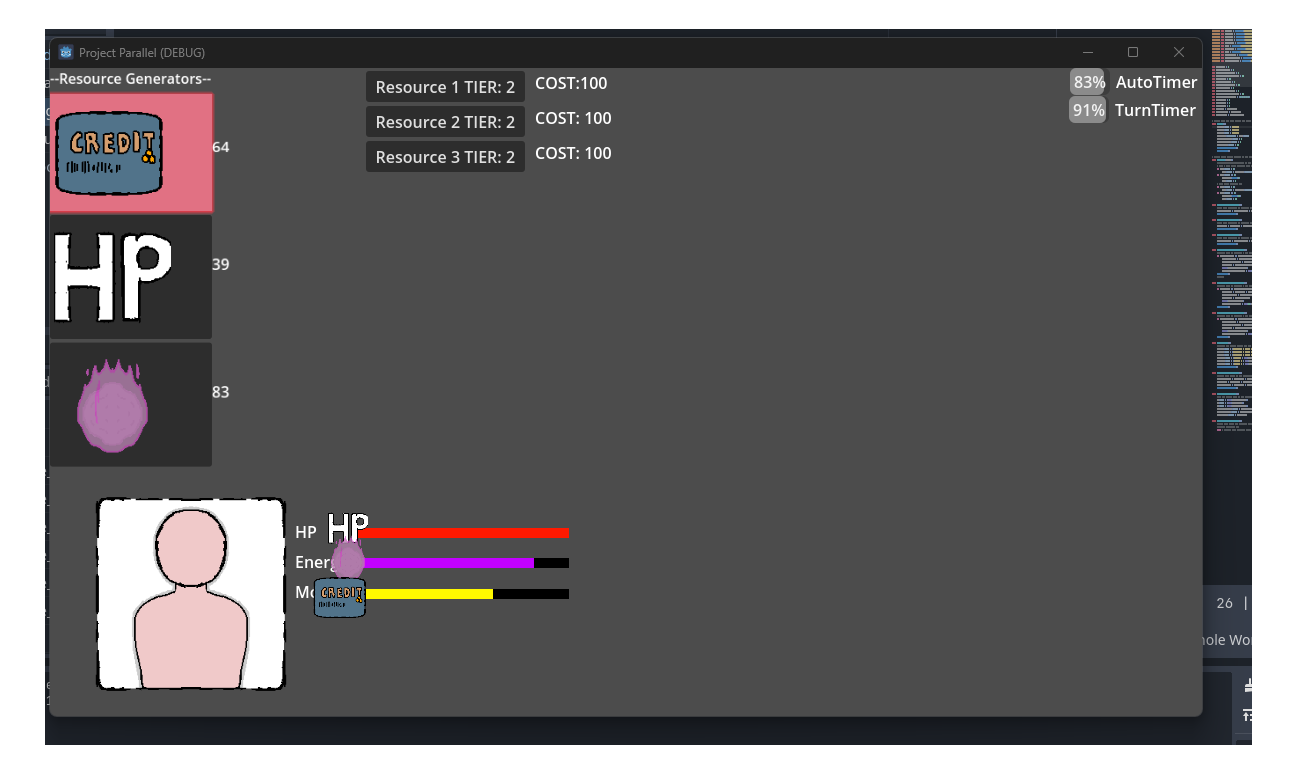
When I first started coding in Godot, or in general, I started with making buttons and bars work with variables.
A slow start, but a start to make nonetheless. Nothing too complicated to learn other than making something update per process frame and editing variables.
When I was more comfortable with making some basic buttons and such, I started trying to make some idle game with the enemy automatically functioning on timers.
Around this time I started to learn about terms like Global Singletons, which the nature of their existence helped store global variables and signals to use throughout my future tests.
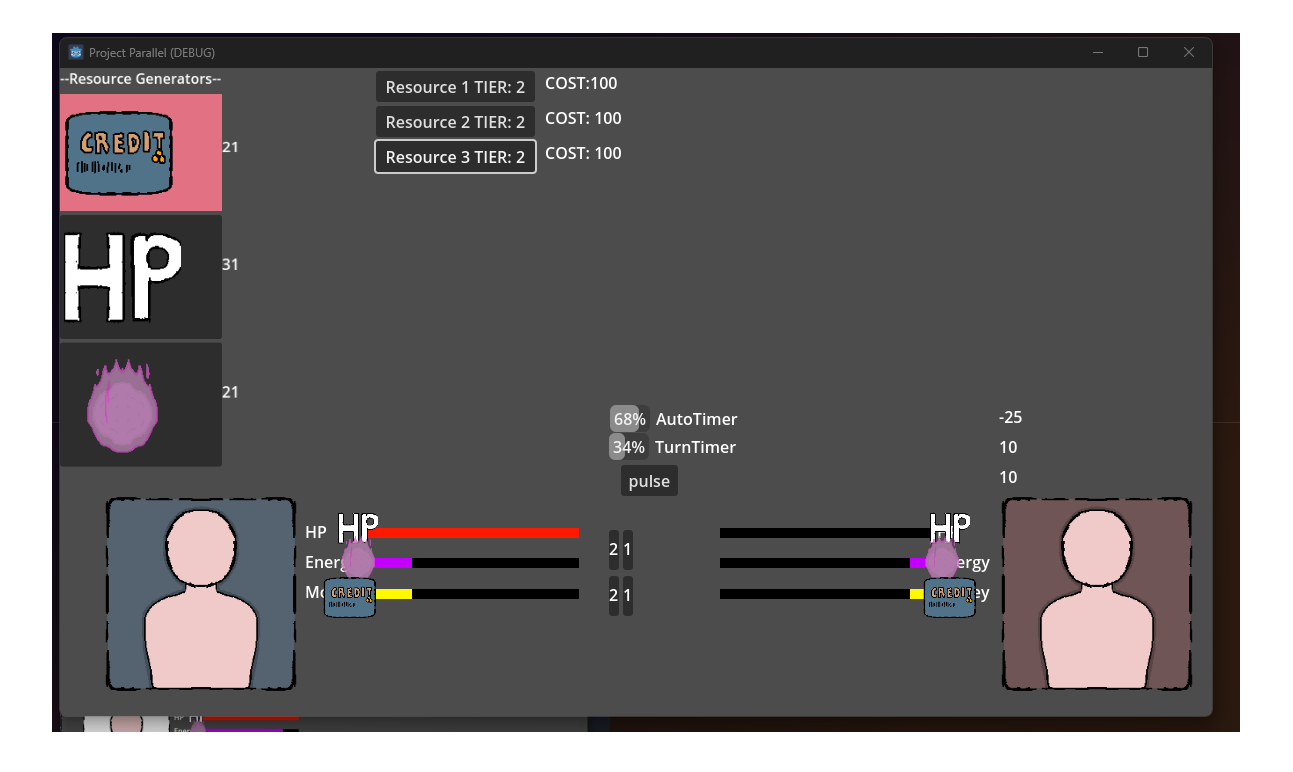
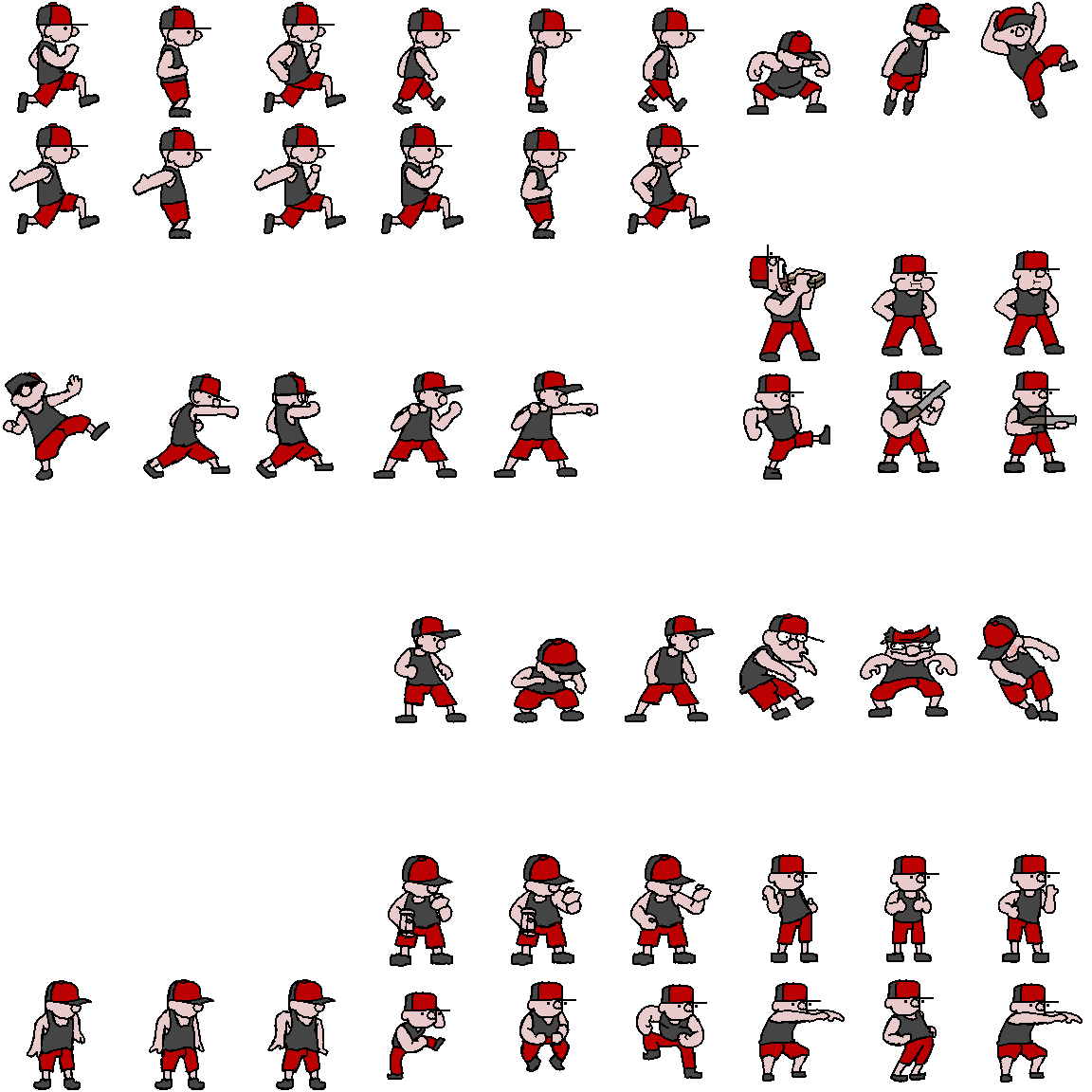
When I was done making still images represent the player and/or enemy, I started work on animations and sprite sheets, with this sheet being an available comparison of what I ended up with.
I practically just ended up making four variants of this character, just color palette swaps, but they function as good as any other debug testing imagery beyond my over-investment of effort.
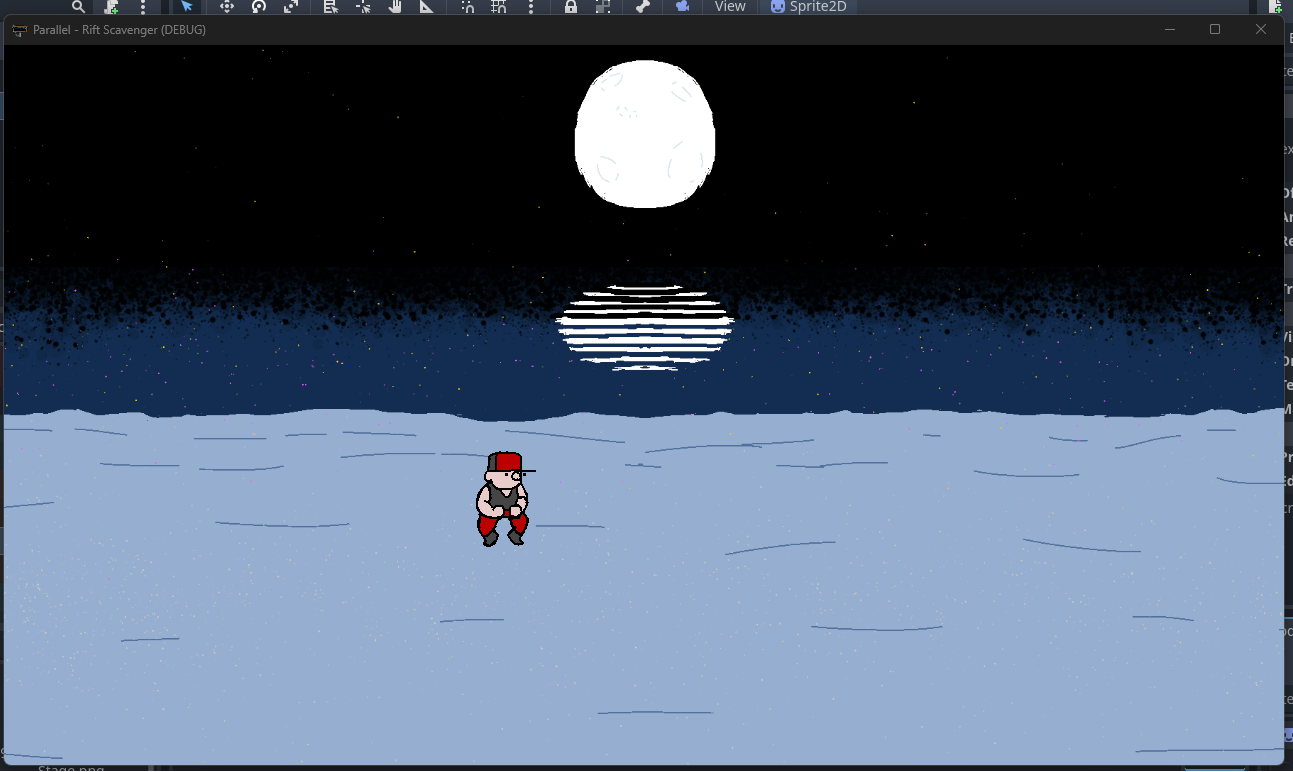
When I got the character to start working on screen, I enjoy just making them do any animations while I tried figuring out each other aspect to add at a time.
This was around that same period where I started to focus on making one basic actor, or doll, and then making templates I could add to new versions, similar to external CSS scripts.
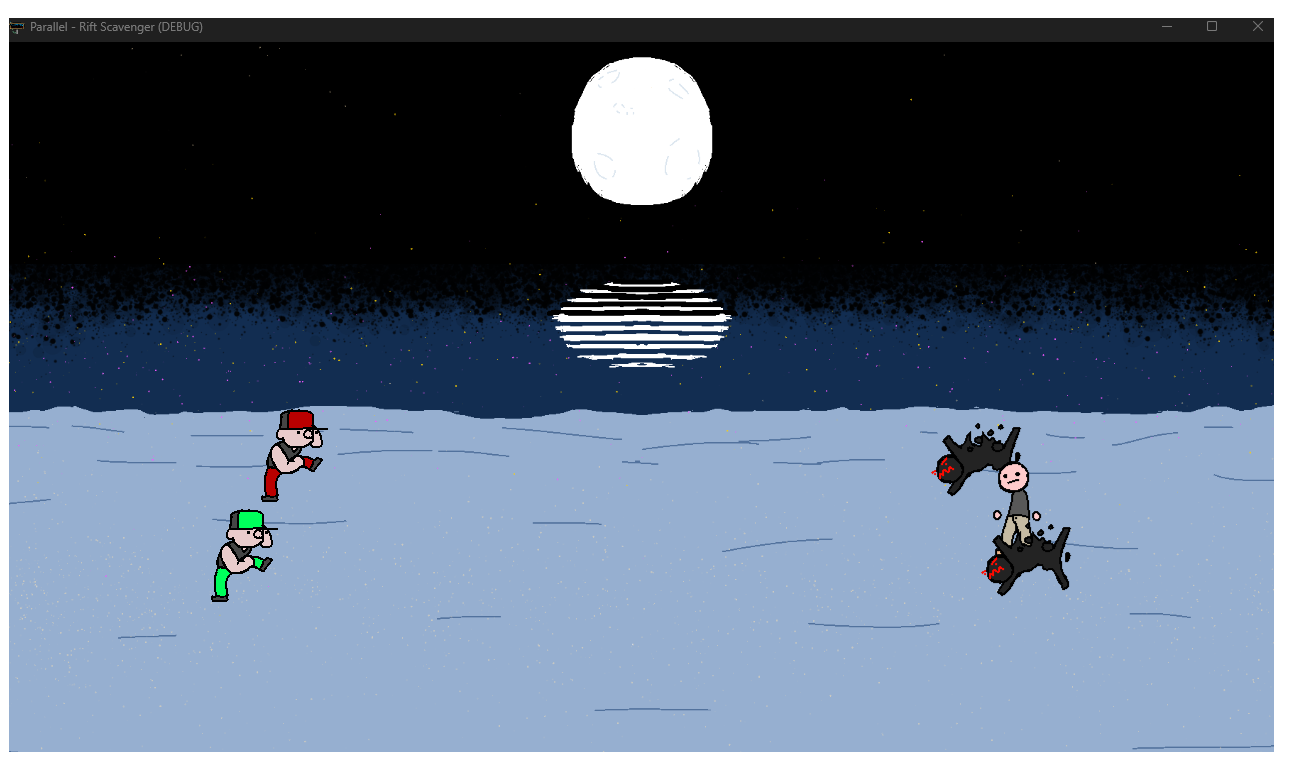
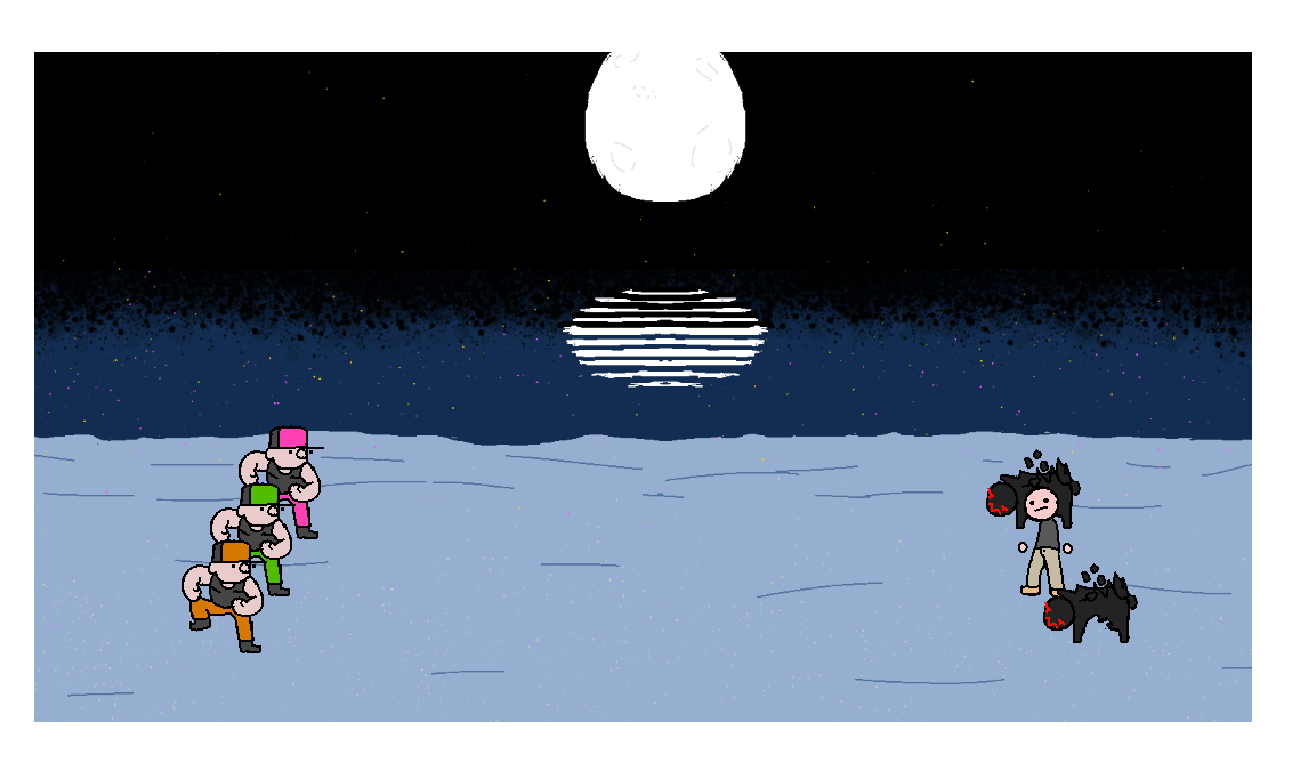
Once the first character was down, it wasn't hard adding more characters to function as player teams and enemy teams.
The first test enemy sprites were just as easy to make, as at the time it was still a basic cosmetic change, rather than mechanically separate.
When it came to getting the team going, I started having the player characters randomize to just test out the random number generator, as well as to make sure each potential testing dummy could be used.
Most of the basic actor data was made, and making new characters was basically easy at this stage, but I still was working on mechanical efforts, as the draw of aesthetics weighs deeper on me.
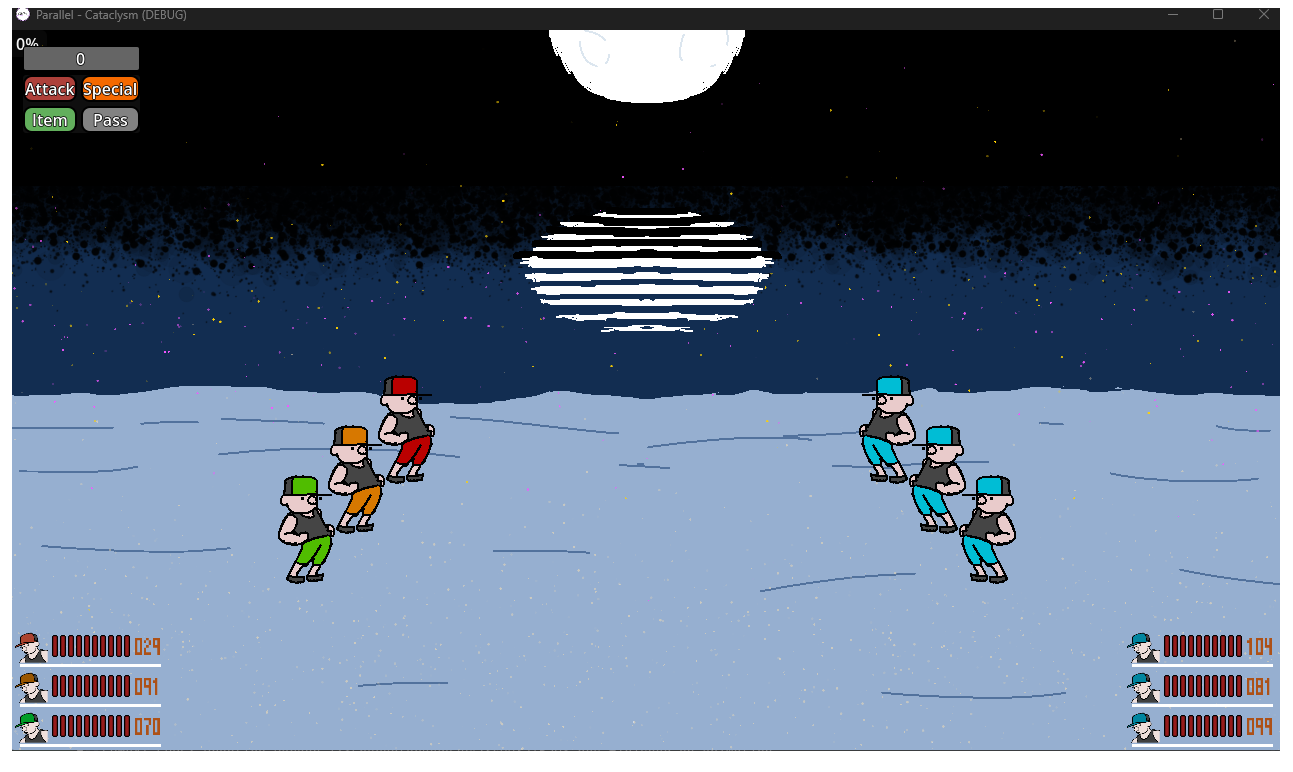
I finally got to adding in UI to make the game function, as well as show connected status bars of each entity on the screen. The health bars were fun to figure out, kept things lively while I was sorting out how to make the Actions function, such as Attacks, Items, etc.
Since the time I made these adaptations, I was working on animations and movement during attacks in combat.
Audio Examples!
I used the 'delete' portion of this sound effect when the testing enemies were eliminated.
When I saw that some enemies in combat were eliminated, I couldn't tell if their end-of-life scripting activated or not, so this came in handy to confirm that.
Originally from a series on Youtube called, "The Emperor has a Text-To-Speech Device"
The grunt noises from the Warcraft franchise I just thought were funny, but a few in here were used in my debugging purposes.
Some of the silly noises just keep me entertained during testing, so they stick around, but will eventually be removed.
When I grabbed the grunt noises, I also realized I wanted to make it easier to tell for myself which side was which when I tested the characters and which was player or enemy.
It turns out very well to have these function alongside my testing player-aligned sound effects.